File Preview
VercelDrive previews common OneDrive file types directly in the browser.
Supported Preview Types
Images
VercelDrive displays images inline with their natural aspect ratio.

Video
Video files play in a built-in player with support for subtitles, quality selection, and keyboard shortcuts.

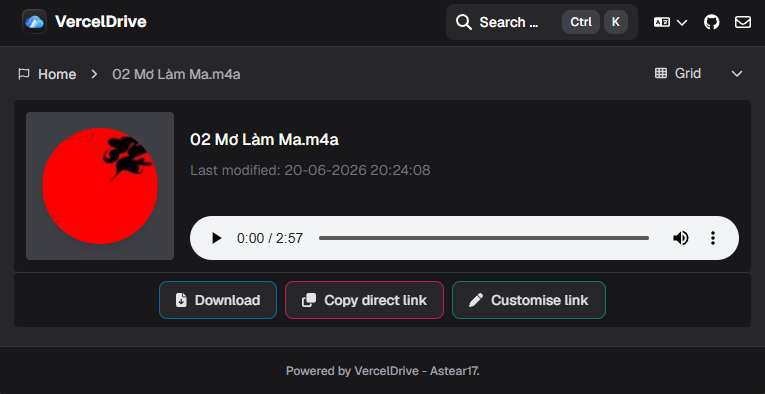
Audio
Audio files play in a built-in player with standard playback controls.
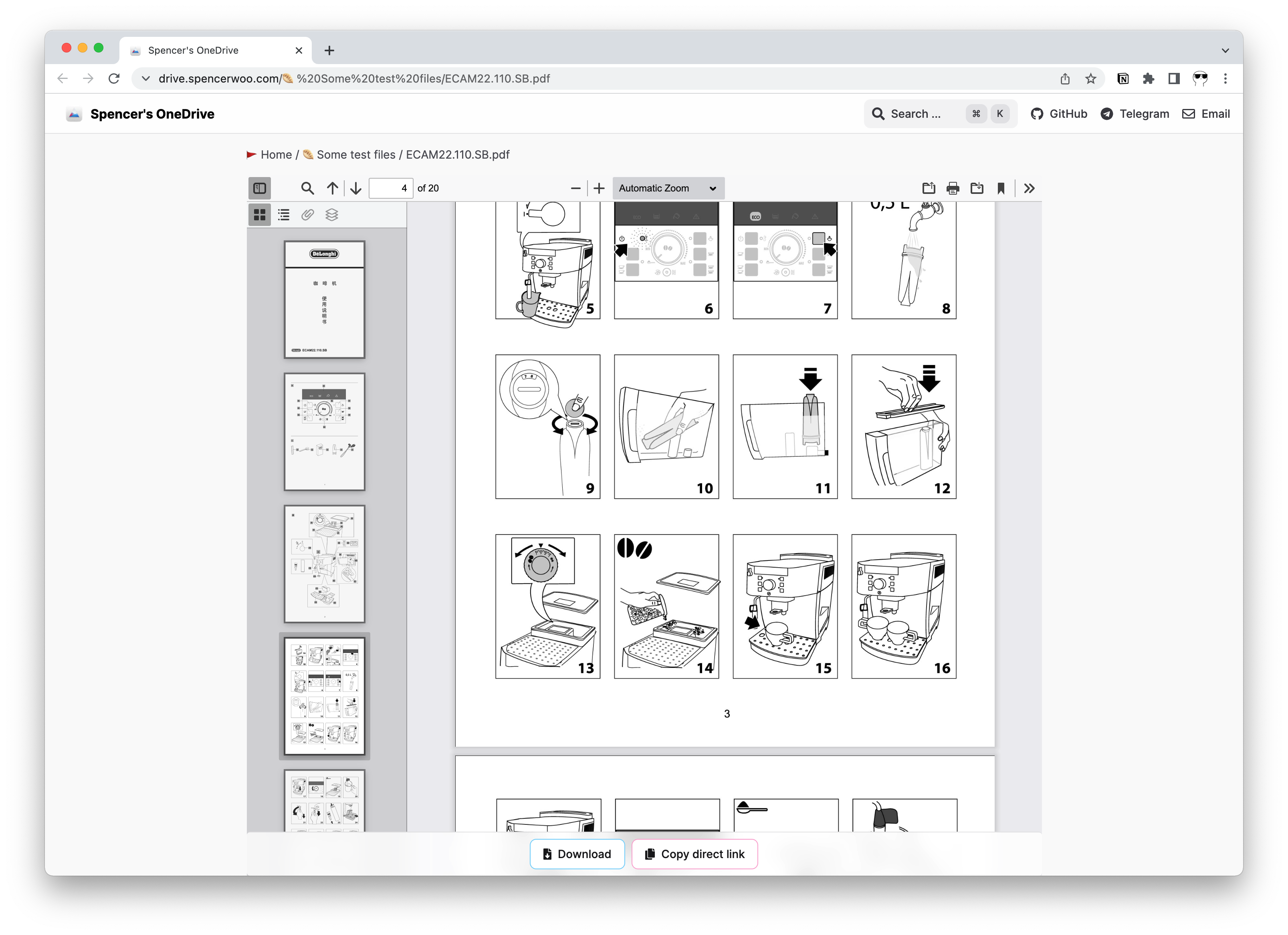
PDF files render in the browser with scroll and zoom support.
Office Documents
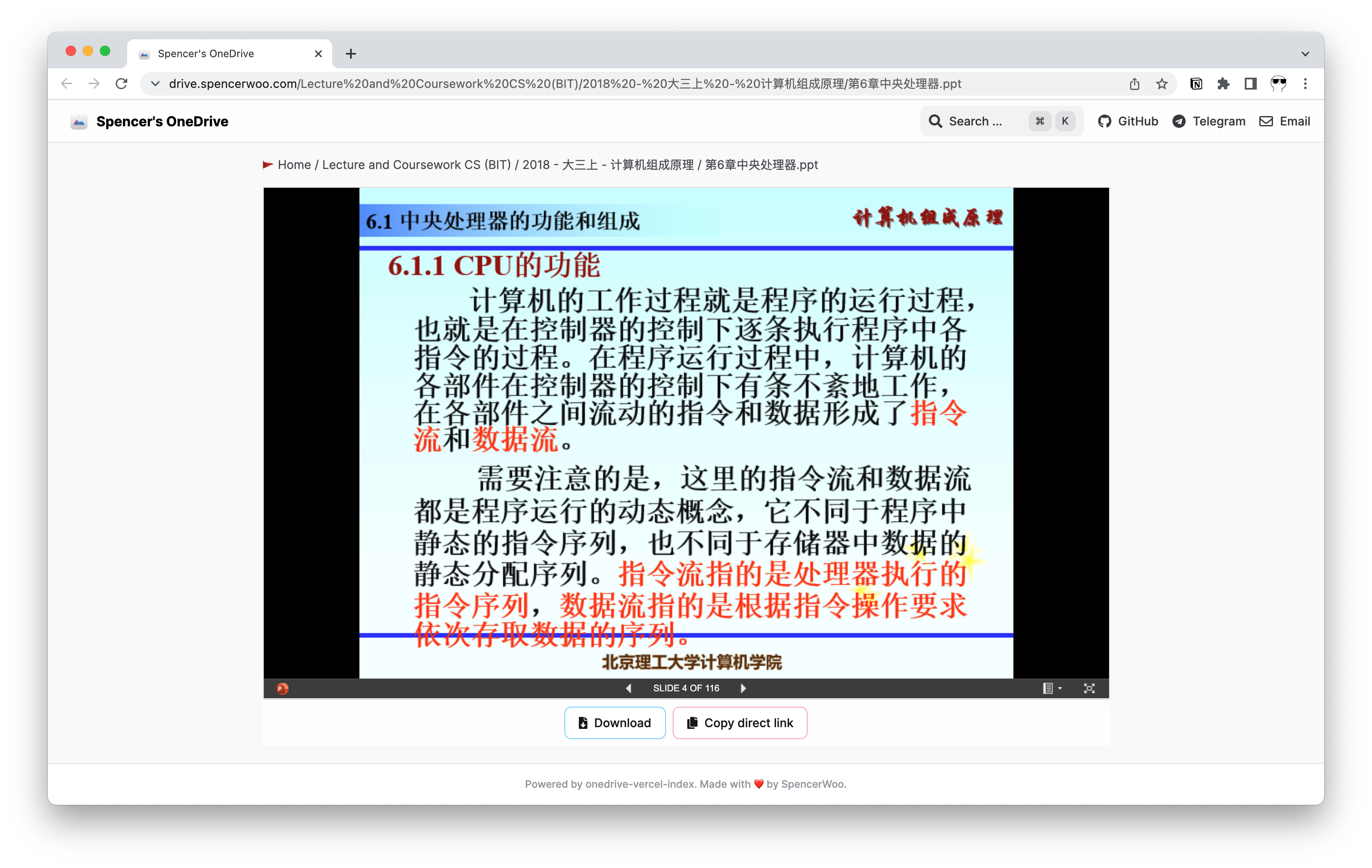
Word, Excel, and PowerPoint files are previewed using browser-based embedding where available.
Code
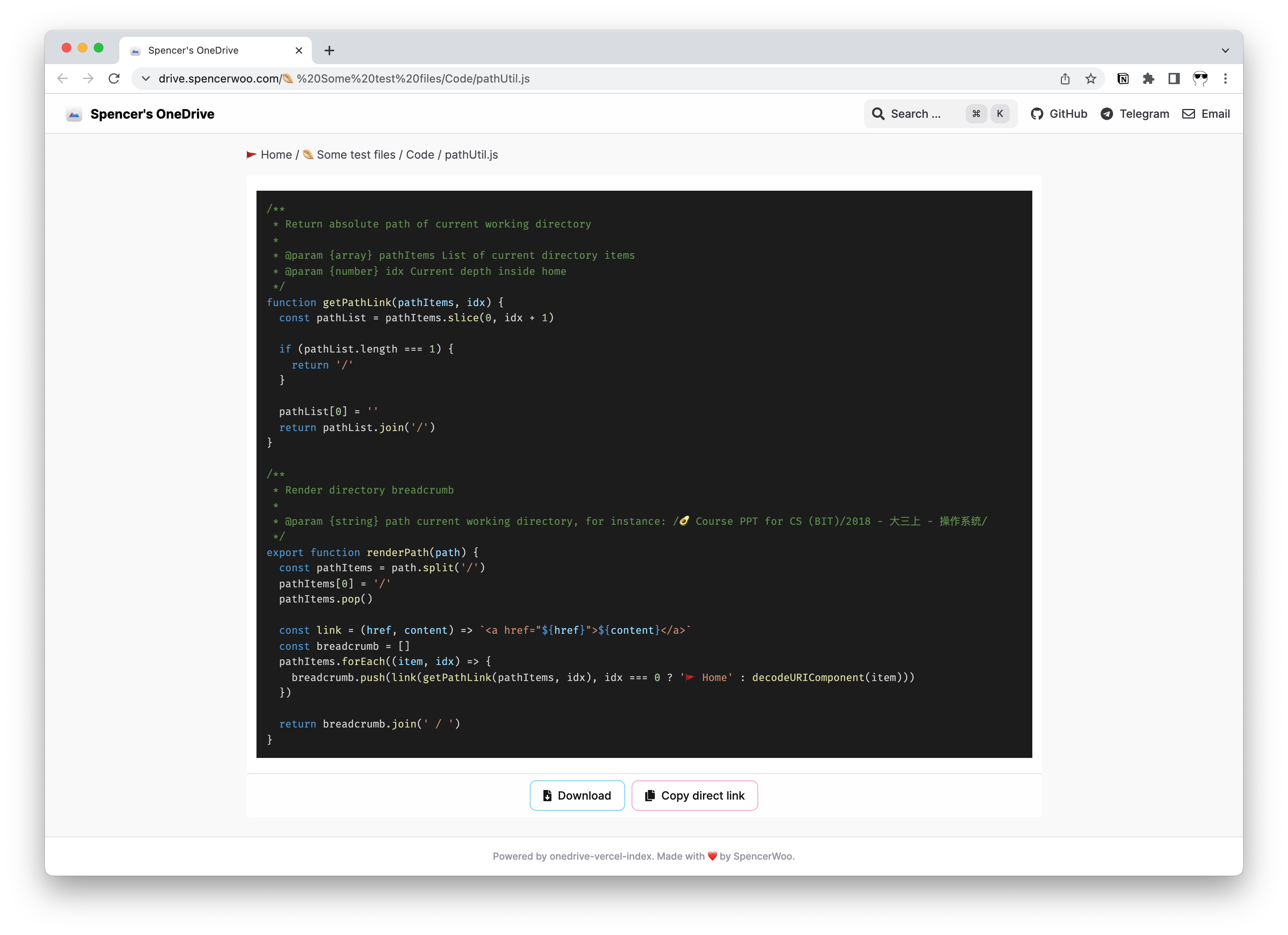
Source code files display with syntax highlighting.
Markdown and Plain Text
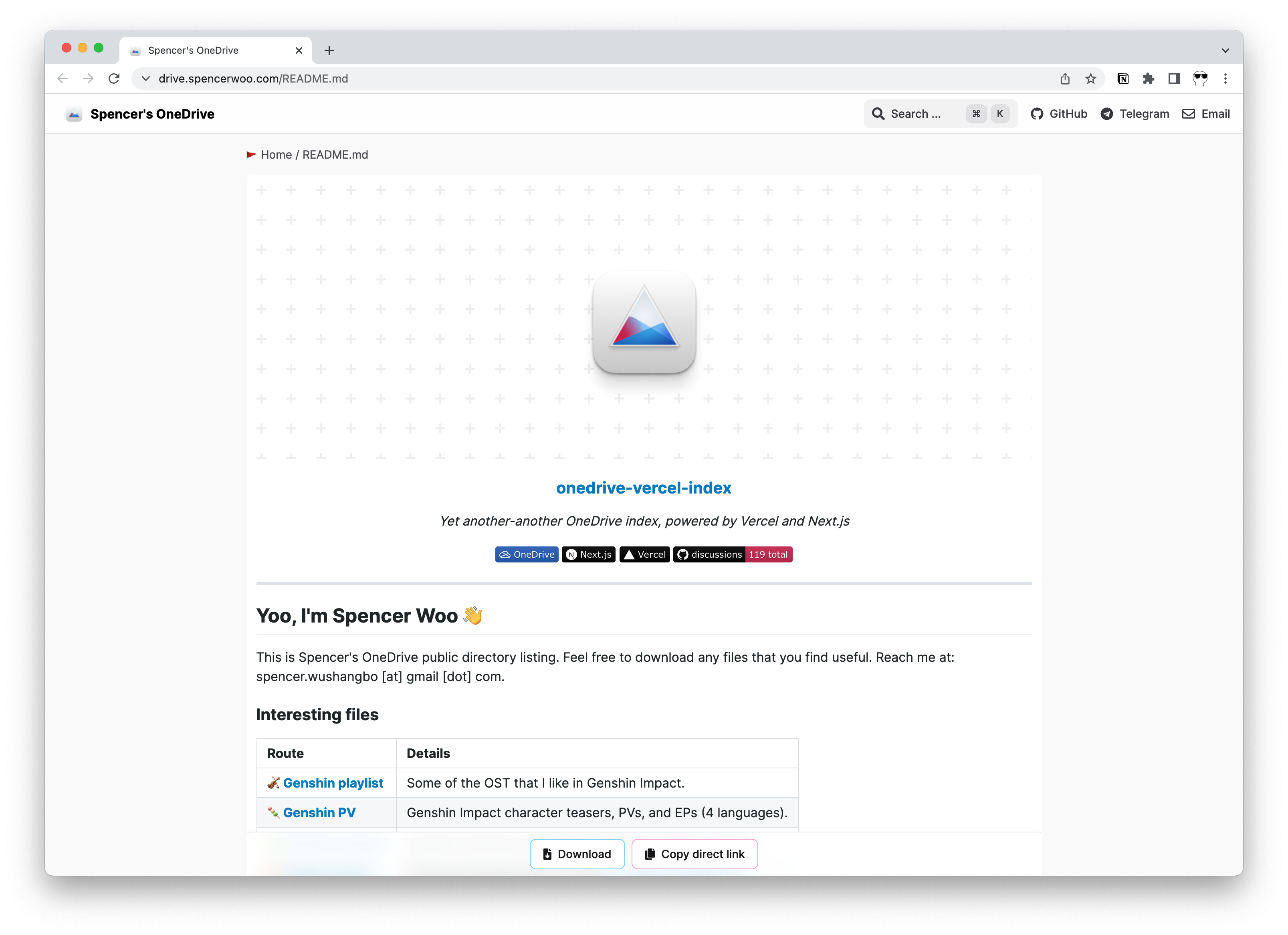
Markdown files render as formatted HTML. Plain text files display with monospace formatting.
EPUB
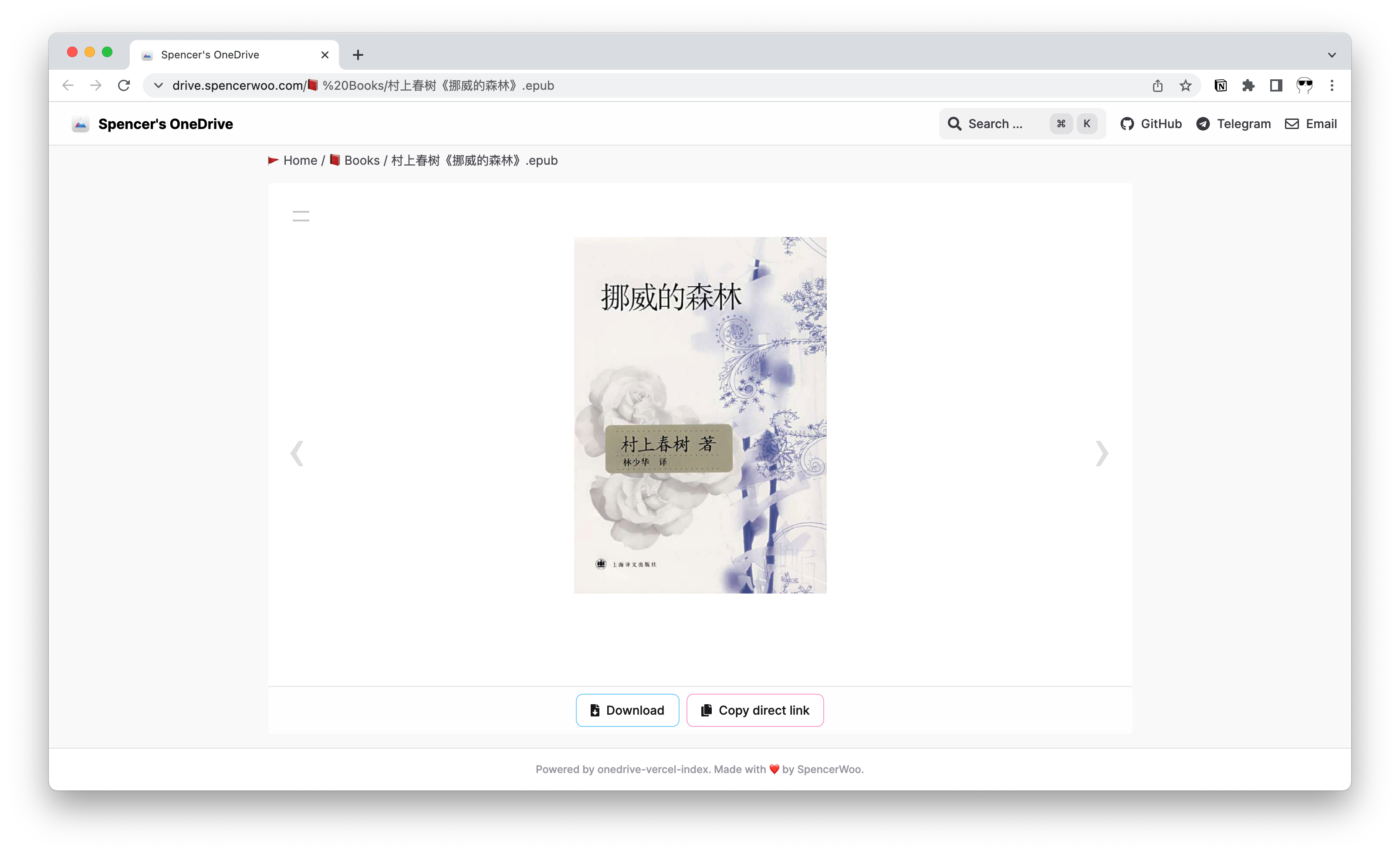
EPUB files open in a built-in e-reader.
URL Shortcuts
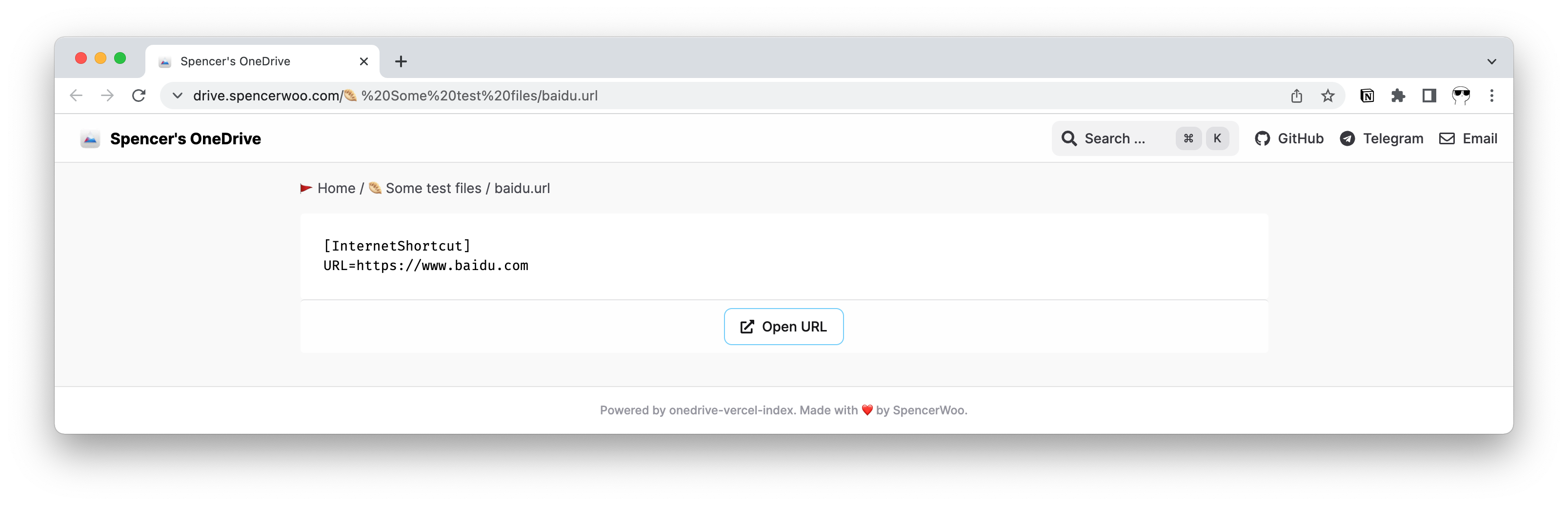
URL shortcut files display the target link with an option to open it.
Unsupported Formats
When a file type cannot be previewed, VercelDrive shows a default file card with file metadata and download actions.